Product Instructions – RatGDO Alternate Pairing

RatGDO Smart Garage Door Opener

Alternate Pairing instructions for HomeKit/Apple Home

Some versions of HomeKit installations have a known issue pairing with ratdgo software newer 2.x versions. We can still get it to work but will need to connect the board with the computer and follow the steps outlined below.

If you plan to use Home Assistant and flash the chip with ESPHome version, then ignore these instructions as the issue seems to be only with HomeKit. 

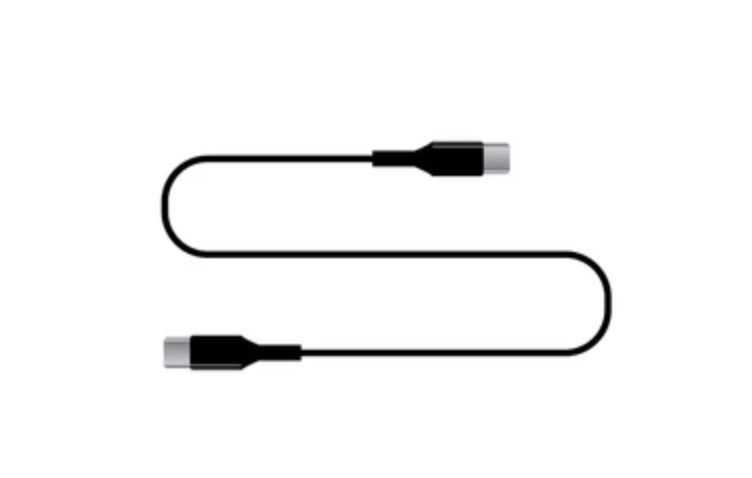
Connect to your PC or Mac using the usb-c cable.
  • Your computer may already have the driver or may install it by itself however, if you don’t see the device connected in the next step, then you most likely need drivers.

    https://ftdichip.com/drivers/vcp-drivers/
Verify if the browser is recognizing the device
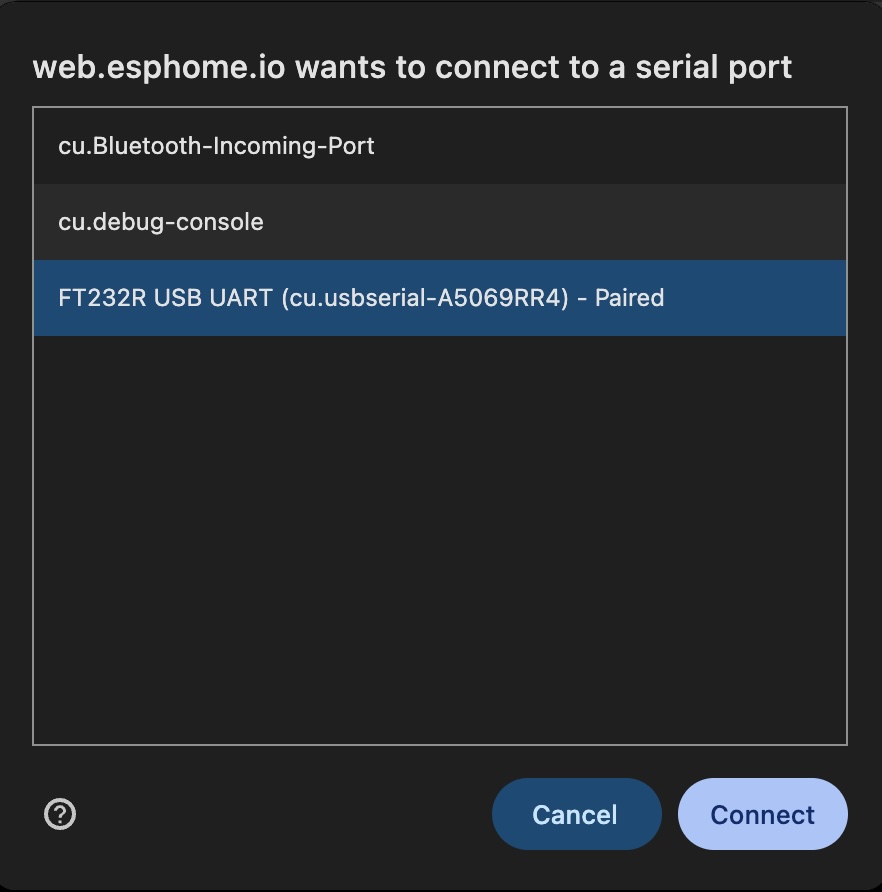
  • Go to the ESPHome Flasher URL and click on connect. You will need a chromium based browser like Google Chrome.
  • Ensure a device like “USB UART” is visible. 
  • Click on Connect.
Flash version 1.7.0
  • Version 1.7.0 pairs with HomeKit on the first try! So, we install this first. Download 1.7.0 from homekit-ratgdo-v1.7.0.bin.
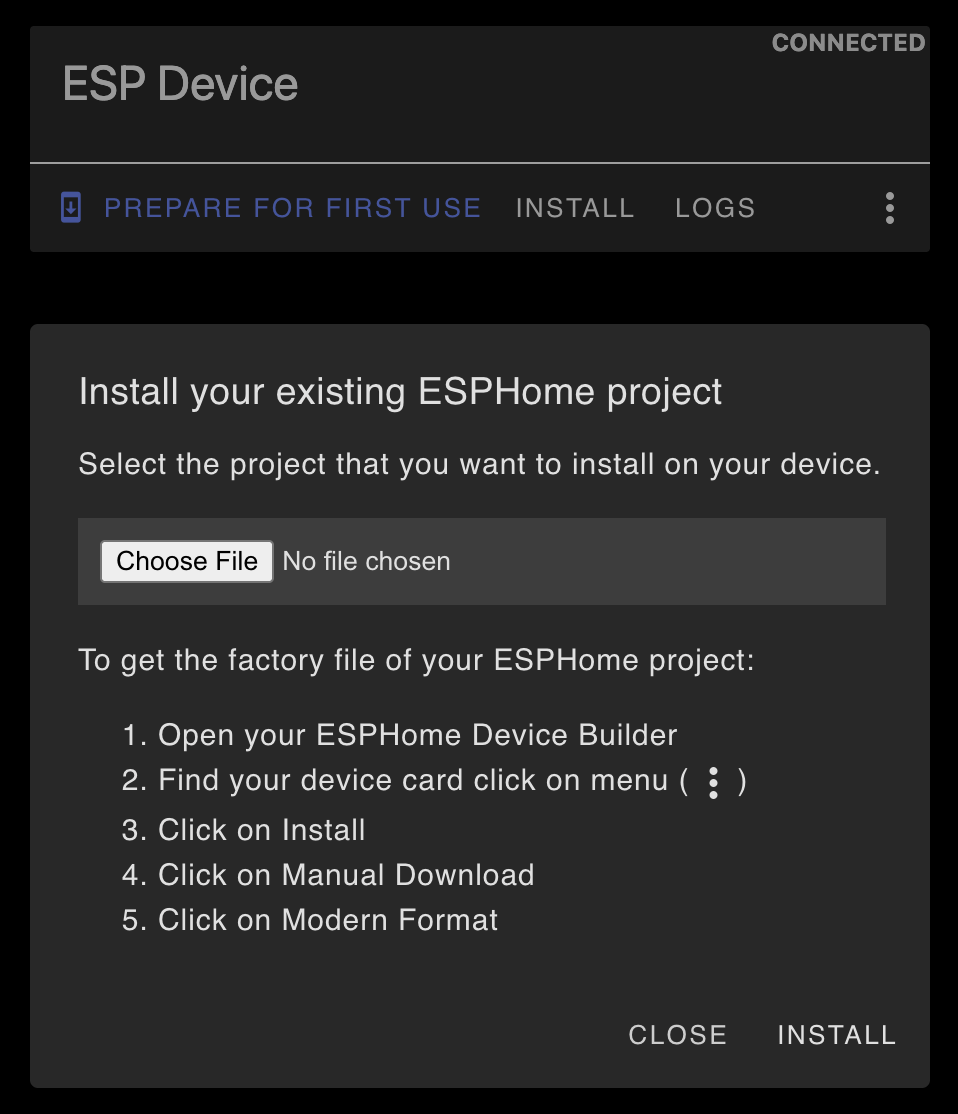
  • Go back to the ESPHome Flasher, select Install, select Choose File, and pick the homekit-ratgo-v1.7.0.bin. Let it install. 
Connect to your WiFi
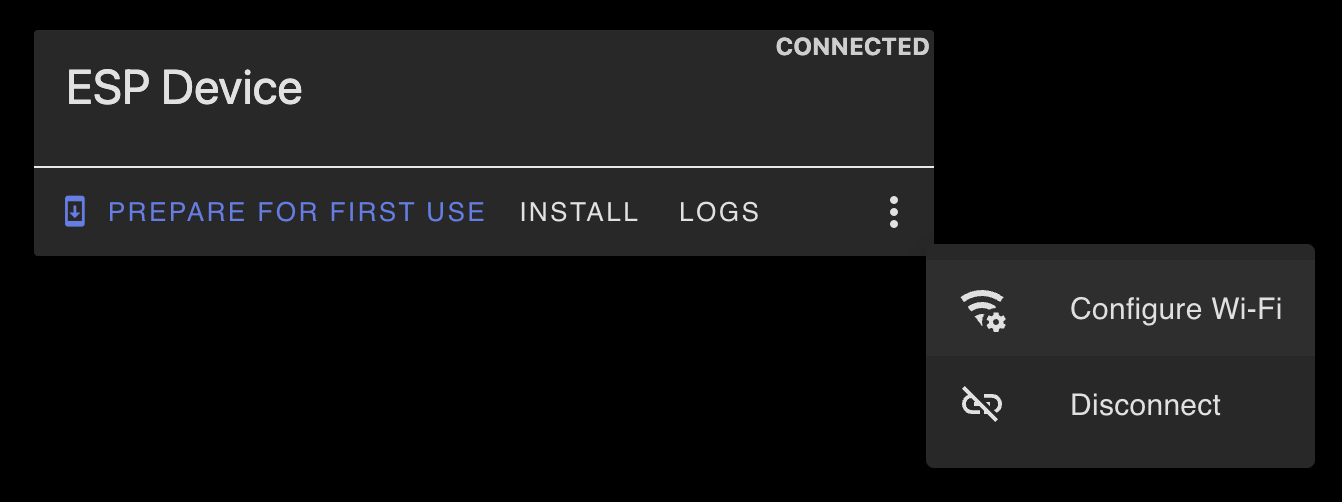
  • Click on the the three-dots menu and then select Configure Wifi.
  • Enter your wifi credentials. On the confirmation screen, you should see an option to Visit Device. This opens the web page of the device with the QR code so you can pair with Apple Home. 
Setup device in Homekit/Apple Home
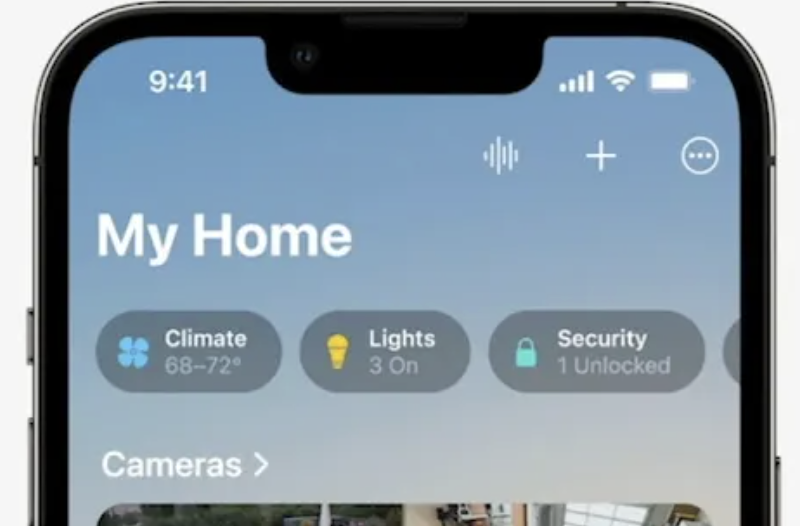
  • On your iPhone, open the Home app. Select + on top right and then Add Accessory.
  • Scan the QR code from the previous step to setup the device on HomeKit/Apple Home.
Connect the device to your existing Garage Door Opener
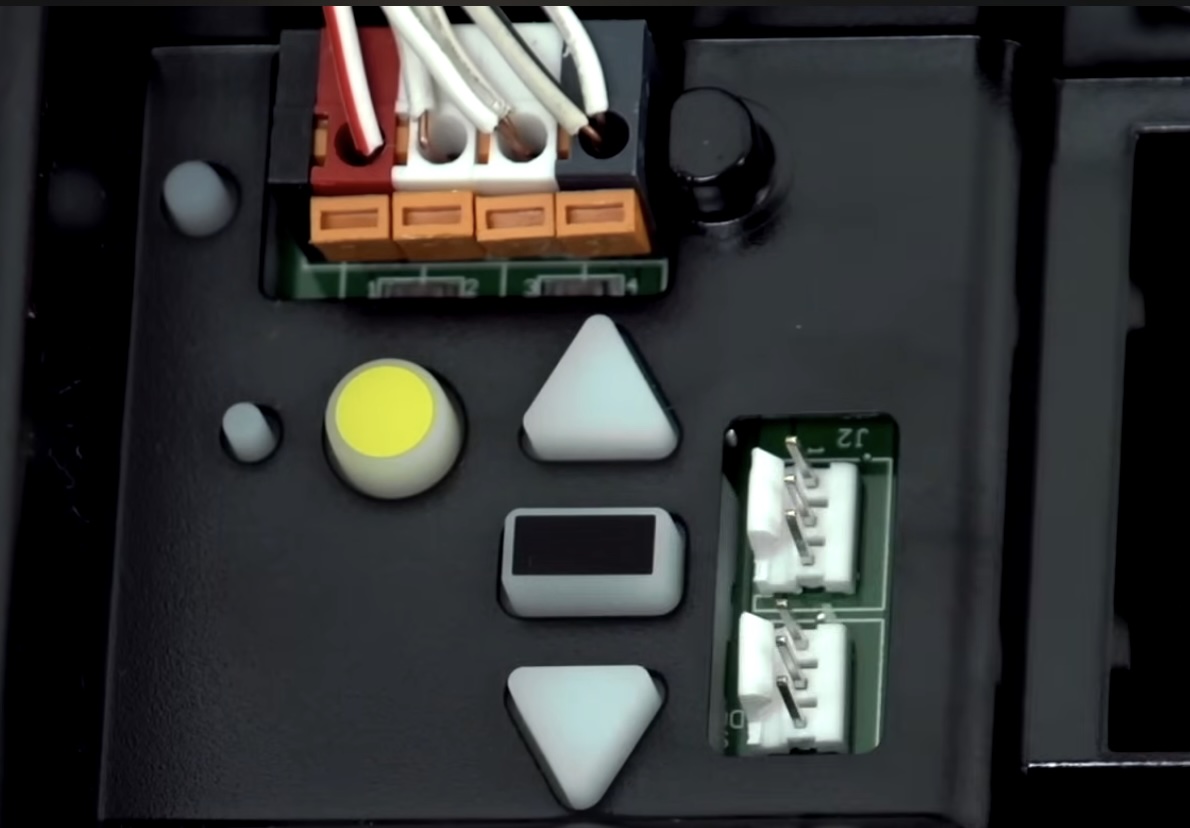
  • On Security+ 2.0 with the yellow learn button, connect black wire to black terminal, white wire to white terminal and red wire to red terminal.
  • Plug the usb-c 5v for power. 
Upgrade to latest version (Optionally)

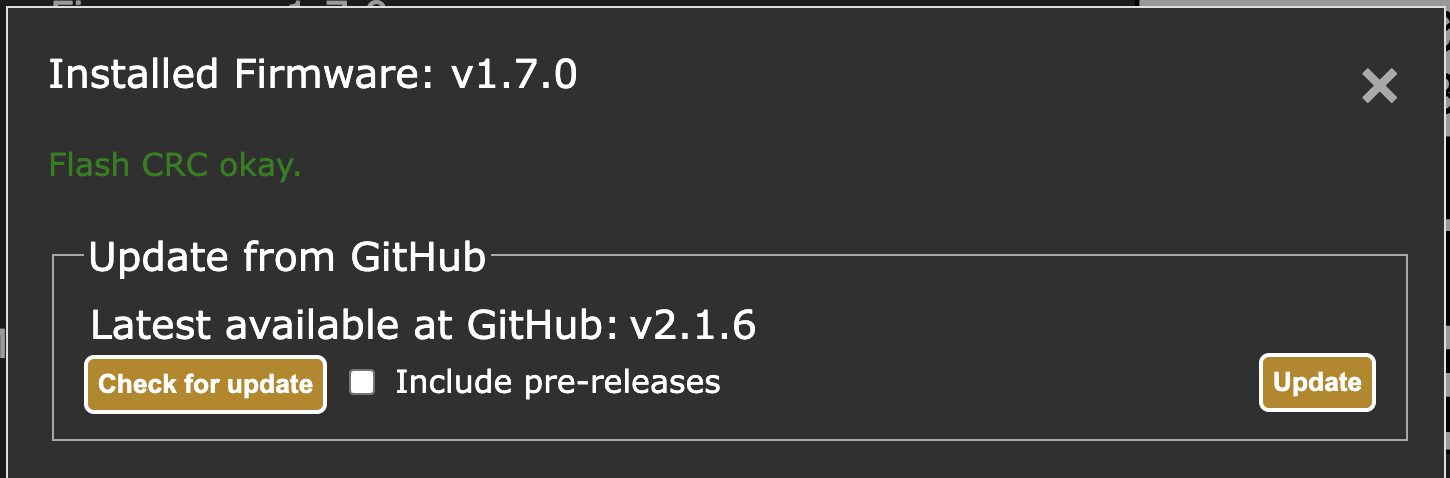
Once you are paired with HomeKit/Apple Home, you can upgrade to the latest version using the device page. We have seen no issues with the latest version in normal operation – the only issues exist are for pairing. Select Firmware Update and then Update.
Frequently Asked Questions

Yes, you can flash a different firmware using the links below. Note that this device is based off an open source project and software support is not provided.

Yes, ff you got the Homekit/Apple Home version, the device is already flashed with that version. You can connect the device with your computer and flash the ESPHome version that will work with Home Assistant.

Yes, however you would need a power converter to output 5v DC. Most Garage Door Openers operate on 12-24v DC. If you have 12-24v DC available you can use a converter like